When a proxy server is not working it is almost always the result of a broken connection chain between your device, the proxy server, and the target website. Understanding where that chain fails is the key to solving the issue efficiently.
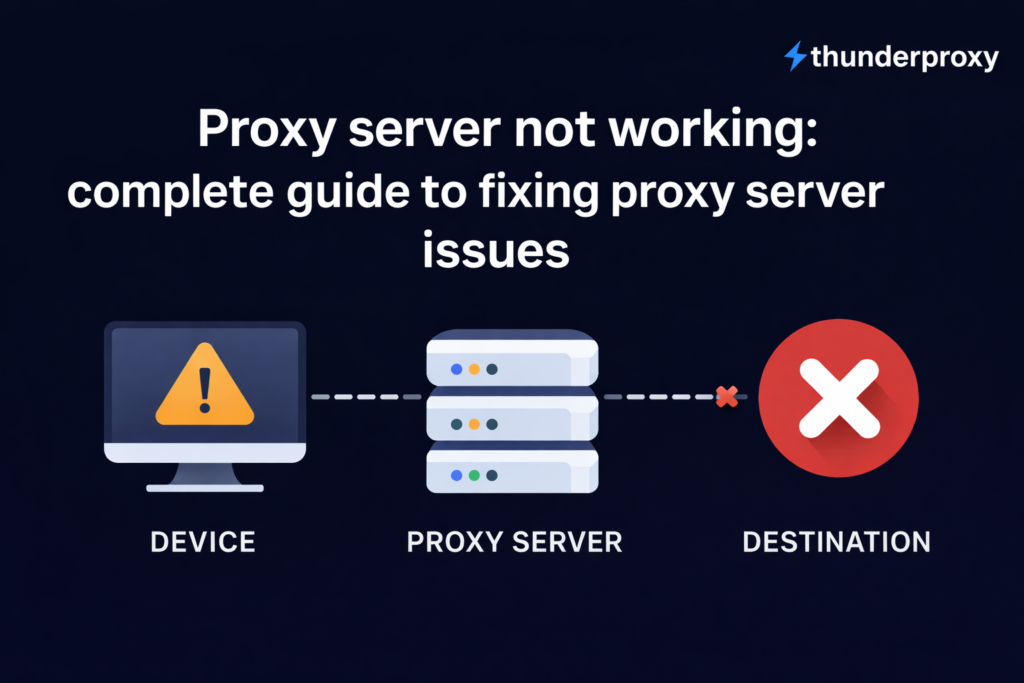
A proxy server acts as an intermediary that forwards your requests to the internet and returns responses back to you. When any part of this process fails—whether due to configuration errors, blocked IPs, or server instability—you experience proxy server issues such as timeouts, connection errors, or denied access.
This guide goes beyond surface-level fixes. It explains:
- why each issue happens
- how to diagnose it correctly
- how to fix it step by step
- how to prevent it in the future
If you’re relying on stable infrastructure, using reliable proxies is one of the most effective ways to reduce recurring failures.
Key takeaways
- Most proxy server issues come from misconfiguration, authentication errors, or IP bans.
- Always check proxy settings (IP, port, protocol) first—it’s the most common cause.
- If a proxy server is not working, test whether the issue is your connection, the proxy, or the target website.
- IP blocks can be fixed by rotating proxies or reducing request frequency.
- Slow or unstable proxies are often caused by network congestion—switching providers helps.
- Free proxies are unreliable and frequently lead to recurring issues.
What does “proxy server not working” actually mean?
A proxy server error occurs when a request routed through an intermediary server fails due to misconfiguration, authentication issues, network instability, or server-side restrictions.
What makes this important is that each failure point requires a different fix. Treating all proxy errors the same leads to wasted time and ineffective troubleshooting.
What are the most common reasons for proxy server issues?
When users search “proxy server not working,” they are usually facing one of six failures:
- Incorrect proxy configuration
- Authentication errors
- IP bans and blocking
- Network congestion and timeouts
- Proxy server-side errors
- Protocol mismatches
1. Incorrect proxy configuration
Misconfiguration is responsible for a large percentage of proxy server issues because even a small mismatch prevents the connection from being established.
When your proxy settings are incorrect, your request is essentially sent to the wrong “address,” or in the wrong format. The proxy server either never receives it or rejects it immediately.
This usually occurs when:
- The IP address or port is entered incorrectly.
- The proxy type (HTTP, HTTPS proxy, SOCKS) doesn’t match the use case.
- System-level and browser-level proxy settings conflict.
For example, trying to send HTTPS traffic through an HTTP-only proxy will fail because the proxy cannot handle encrypted requests properly.
How to fix it:
Start by verifying your proxy configuration against the provider’s official details:
- Double-check IP and port.
- Confirm protocol type.
- Ensure there are no extra spaces or formatting errors.
Then test the proxy in isolation using a simple tool or browser configuration. If it works there but not in your application, the issue is likely in your app settings—not the proxy itself.
2. Authentication errors
Authentication errors occur when the proxy server requires verification, but the credentials provided are missing, incorrect, or not authorized. Instead of forwarding your request, the proxy blocks it entirely.
This is commonly caused by:
- Incorrect username or password.
- Expired credentials.
- IP authentication mismatch (your IP is not whitelisted).
In many cases, users forget that proxies support two authentication methods:
- Username/password.
- IP whitelisting.
If you mix these incorrectly, the proxy will reject your request.
How to fix it:
First, confirm which authentication method your provider uses.
If it’s username/password:
- Re-enter credentials carefully.
- Avoid copy-paste errors.
- Regenerate credentials if needed.
If it’s IP-based:
- Make sure your current IP is whitelisted.
- Check if your IP has changed (common with dynamic connections).
Testing the proxy with a tool like cURL can help confirm whether authentication is the issue.
3. IP bans and blocking
One of the most frustrating proxy server issues is when everything seems configured correctly—but access is still denied. This usually means the target website is blocking your proxy IP.
Why this happens:
Websites actively monitor traffic patterns and block IPs that:
- Send too many requests in a short time.
- Appear on known proxy or datacenter IP lists.
- Behave like bots.
Datacenter proxies are especially vulnerable because they are easier to detect compared to residential or mobile IPs.
To resolve IP blocking:
- Switch to a different proxy IP.
- Use rotating proxies to distribute requests.
- Reduce request frequency.
- Add delays between requests.
If blocking persists, consider switching to residential proxies, which are less likely to be flagged.
4. Network congestion and timeouts
If your proxy works sometimes but fails intermittently, the issue is likely related to network congestion or latency.
Proxy servers handle traffic from multiple users. When demand exceeds capacity:
- Response times increase.
- Packets are delayed or dropped.
- Connections time out.
This is especially common with:
- Shared proxies.
- Free proxies.
- Overloaded servers.
How to fix it:
- Switch to a less crowded proxy server.
- Choose a server closer to your geographic location.
- Upgrade to dedicated or premium proxies.
You can also reduce timeout errors by increasing timeout limits in your application settings.
5. Proxy server-side errors
Sometimes the issue is completely outside your control—the proxy provider’s infrastructure is failing. Server-side errors occur due to:
- Backend crashes.
- Maintenance downtime.
- Overloaded systems.
Common indicators include:
- 500 Internal Server Error
- 502 Bad Gateway
- 522 Timeout
Unlike configuration issues, you cannot fix server-side problems directly.
Instead:
- Try a different proxy endpoint.
- Wait and retry after some time.
- Check provider status pages.
If the issue persists frequently, it’s a strong signal to switch providers.
6. Protocol mismatches
Protocol mismatches are less obvious but equally disruptive. Different proxies support different protocols:
- HTTP proxies handle web traffic
- SOCKS proxies handle broader traffic types
If your application expects SOCKS but uses HTTP (or vice versa), the connection fails silently or returns errors.
How to fix it:
Check your application’s requirements and match them with the correct proxy type.
For example:
- Use SOCKS5 for apps requiring flexibility.
- Use HTTP/HTTPS proxies for web scraping and browsing.
Correct protocol alignment often resolves issues instantly.
How to troubleshoot proxy server issues
Instead of guessing, follow a structured diagnostic process.
Step 1: isolate the problem
Before troubleshooting the proxy itself, confirm whether the issue is actually caused by it. Disable the proxy and try accessing the internet normally.
If your connection still doesn’t work, the problem is likely related to your network, device, or ISP—not the proxy. In that case, fixing the proxy won’t resolve anything.
If your internet works fine without the proxy, you’ve successfully isolated the issue to the proxy layer and can continue troubleshooting with confidence.
Step 2: test the proxy independently
Once you know the proxy is the likely cause, the next step is to test it outside your main application. This helps determine whether the issue is with the proxy itself or how it’s configured in your tool or software.
Try using the proxy in a browser or a simple command-line request. If it works there, the proxy is functional and the issue is likely within your application settings.
If it doesn’t work even in a basic test, the problem is with the proxy—such as incorrect credentials, a dead server, or network restrictions.
Step 3: identify the failure point
To fix proxy server issues efficiently, you need to understand where the request is failing in the connection chain: your device → proxy → target website.
Start by checking if your device can connect to the proxy at all. If the connection fails immediately, the issue is usually related to incorrect settings, wrong protocol, or local restrictions like a firewall.
If the proxy connects but doesn’t return a response, the problem is likely on the proxy side—such as server downtime, overload, or an unreliable provider.
Finally, if the proxy works but the target website still blocks the request, the issue is typically an IP ban or detection. In that case, switching proxies or adjusting request behavior is the most effective fix.
By narrowing the issue to one of these three points, you can apply the right solution without unnecessary trial and error.
Step 4: apply targeted fixes
Once identified:
- fix configuration errors
- update credentials
- switch IPs
- adjust request behavior
This approach avoids trial-and-error frustration.
Why free proxies often lead to issues
Free proxies are a common source of proxy server issues because they are shared, unstable, and rarely maintained.
They often fail due to:
- Overcrowded usage causing slow or dropped connections.
- Outdated or poorly maintained infrastructure.
- IP addresses that are already blacklisted by websites.
Even correct settings may not work reliably, making it hard to diagnose whether the problem is your setup or the proxy itself.
In most cases, the most effective fix is to stop using free proxies and switch to premium ones, which offer:
- stable uptime
- cleaner, less-blocked IPs
- more consistent performance
This reduces repeated cases where the proxy server is not working despite correct configuration.
How to prevent proxy server issues long term
Fixing problems is reactive. Preventing them is strategic.
To reduce future issues:
- Use rotating IPs.
- Monitor error logs regularly.
- Keep request rates realistic.
- Match proxy type to use case.
The goal is to maintain a stable, undetectable connection pattern.
When a proxy server is not working, the solution lies in understanding why the failure occurs. Each issue—whether configuration, authentication, blocking, or server instability—has a clear cause and a specific fix.
By approaching proxy server issues systematically instead of reactively, you can resolve problems faster and maintain a more reliable connection over time.
FAQ
Why does my proxy work sometimes and fail other times?
This usually indicates network congestion or unstable proxy servers. Switching to a more reliable or less crowded proxy often resolves the issue.
How can I quickly test if my proxy is working?
You can use a browser or command-line tool to send a request through the proxy and check if your IP changes successfully.
What is the most common cause of proxy server issues?
Incorrect configuration is the most common cause, followed by IP blocking and authentication errors.
Is switching proxies always the best solution?
Not always. While switching proxies can fix IP bans, configuration or authentication issues must be addressed directly.